Face Symmetry Test / Inverted filter
Inverted filter: how do other people see your face?
Turn on your camera or pick a photo. You see your face the way a mirror shows it, next to the flipped view that other people see when they look at you. Nothing is uploaded.
Your camera and photos stay on your device. Your browser does the flipping and nothing is saved.
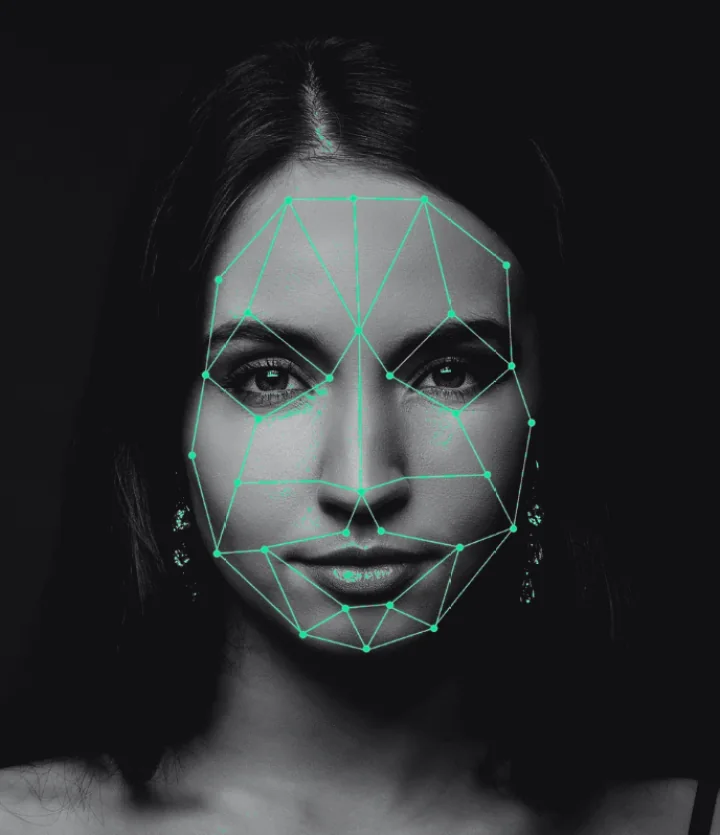
Does your flipped face look strange? That is your asymmetry showing. The face symmetry test measures it and scores your face out of 100.
What is the inverted filter?
The inverted filter is a camera effect that flips your face left to right. Your phone's front camera and every mirror show you reversed, so the inverted filter undoes that. What you get is the face a friend sees when they sit across from you.
It went viral on TikTok because the result surprises almost everyone. A parting that sits on the "wrong" side, a smile that lifts higher on one corner, a nose that leans a little: none of it is new. You just have not seen it this way round before.
Is the inverted filter how others see you?
Mostly, yes. Other people see the side of your face that a mirror swaps, so the flipped view is closer to their view than your mirror is.
It is still not the whole picture. People see you in three dimensions, moving, talking and from a normal distance of a metre or two. A camera at arm's length sees a flat, frozen image from very close. So treat the inverted view as "the right way round", not as the final word on how you look.
Which is more accurate, the mirror or the camera?
An unflipped photo taken from a normal distance is the most accurate. Here is how the three views compare:
- Mirror: correct proportions, but left and right are swapped.
- Front camera at arm's length: often shown flipped like a mirror, and the short distance enlarges the middle of your face.
- Photo by someone else from about 1.5 metres: the right way round and with natural proportions. This is closest to what people see.
The distance matters more than most people think. A study in JAMA Facial Plastic Surgery found that a selfie taken about 30 cm from the face makes the nose look about 30% wider than a photo from 1.5 metres. That is one reason close selfies feel unflattering.
Why do I look weird in the inverted filter?
Because you know your mirror face best. Psychologists call this the mere exposure effect: we tend to like what we see often. In a classic 1977 study, Mita, Dermer and Knight showed people two prints of their own face, one normal and one flipped. People preferred the mirror version of themselves. Their friends preferred the normal version, the one they were used to seeing.
So the flipped face that looks wrong to you is the familiar face to everyone else. Your friends would find your mirror image just as odd.
Why the flip shows your asymmetry
If your face were perfectly symmetrical, flipping it would change nothing. No face is, so the flip moves every small difference to the other side. The more your two halves differ, the stranger the inverted view feels.
That makes the inverted filter a rough symmetry check. Watch what jumps out when you swap sides:
- An eye or brow that sits higher than the other one.
- A smile that lifts more on one side.
- A nose tip or jaw line that leans a little toward one side.
- A hair parting that suddenly looks like it belongs to someone else.
For a measured answer, the face symmetry test places 68 landmarks on a photo and compares seven feature pairs. To see your face with no asymmetry at all, try the perfectly symmetrical face tool, which mirrors each half.
Why do I look different in pictures than in the mirror?
Three things change between a mirror and a photo:
- The flip. A photo shows you the right way round, which feels unfamiliar.
- The lens. Close up, a phone lens makes near features like the nose bigger and far ones like the ears smaller.
- The moment. In a mirror you move, adjust and pick your best angle without thinking. A photo freezes one expression and one angle, often a bad one.
If you dislike how you look in photos, ask someone to take the picture from a couple of metres away, or use the back camera with a timer. The difference is often bigger than any filter.
How to see yourself the way others do
- Turn on the camera above and look at the right-hand view. Move and talk, the way you would in a conversation.
- Hold the phone at eye level and as far away as your arm allows, so the lens bends your face less.
- Face a window for soft, even light. Side light makes one half look darker and heavier.
- Look at the view for a minute or two. The strangeness fades fast once your eyes get used to it.
How to stop your phone flipping selfies
On an iPhone, open Settings, then Camera, and find Mirror Front Camera. Off means your selfies are saved the way others see you. On means they are saved like a mirror. Android phones differ by maker. On Samsung phones, the camera settings have an option called Save selfies as previewed, which keeps them mirrored.
References
- Mita TH, Dermer M, Knight J. Reversed facial images and the mere-exposure hypothesis. Journal of Personality and Social Psychology, 1977. doi:10.1037/0022-3514.35.8.597
- Ward B, Ward M, Fried O, Paskhover B. Nasal distortion in short-distance photographs: the selfie effect. JAMA Facial Plastic Surgery, 2018. doi:10.1001/jamafacial.2018.0009